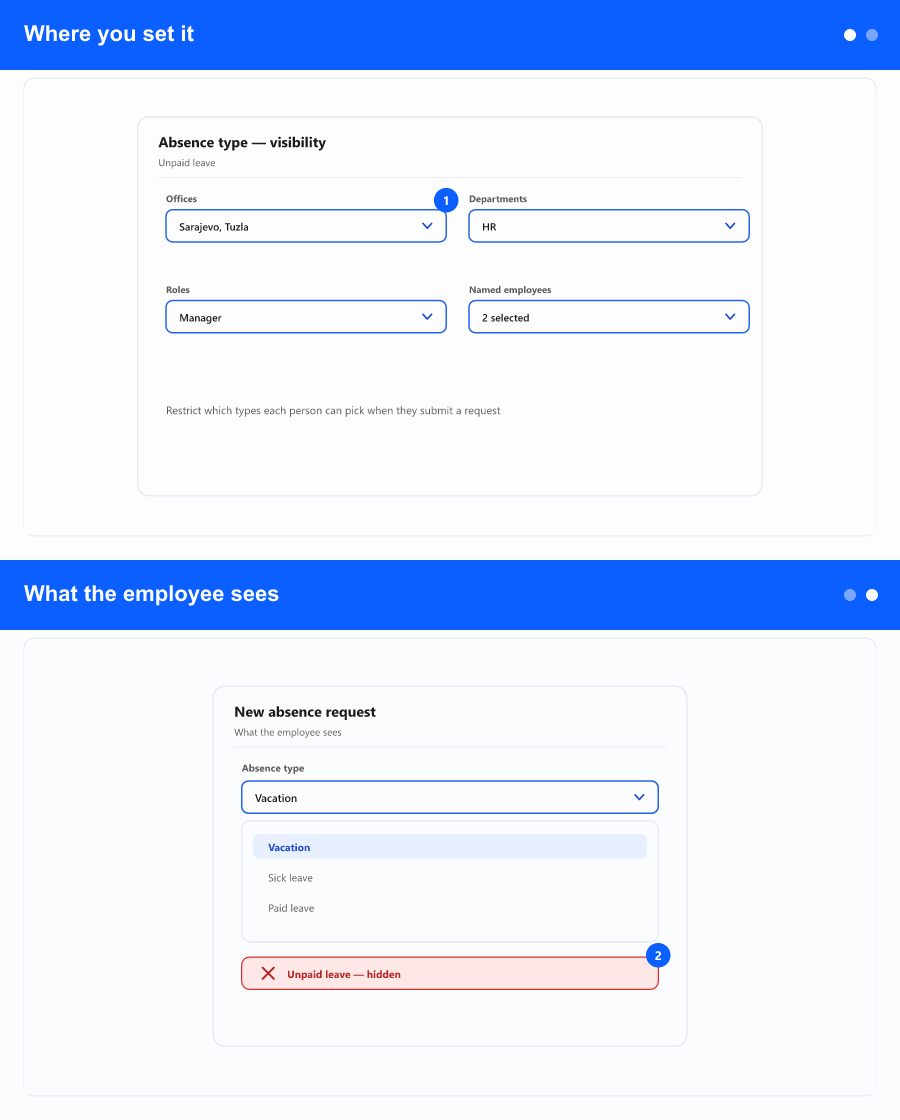
Some absence types might only apply to part of your organisation—for example a special leave type for certain sites or roles. In Absence types settings you can now choose whether a type is available to everyone, or only to people who match at least one of the rules you define.
Where you set it
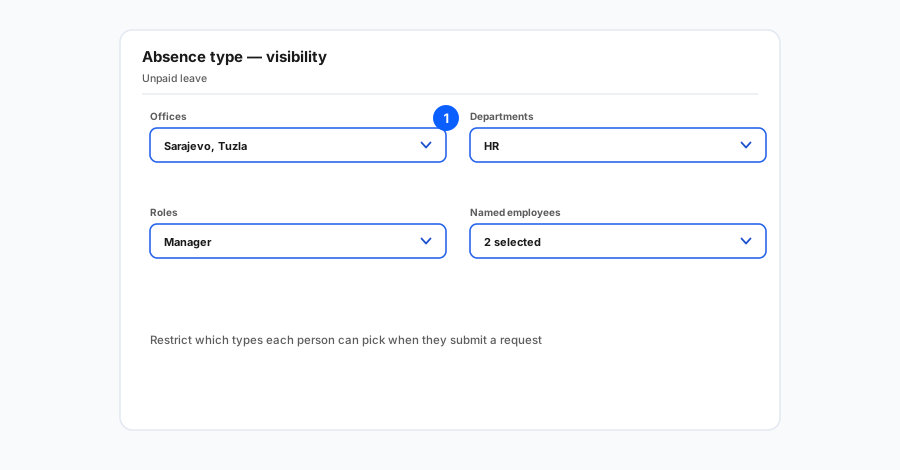
Rules can be based on office, department, job role, or a named list of employees. If more than one rule is set, a person only needs to match one of them to see the type.
What the employee sees
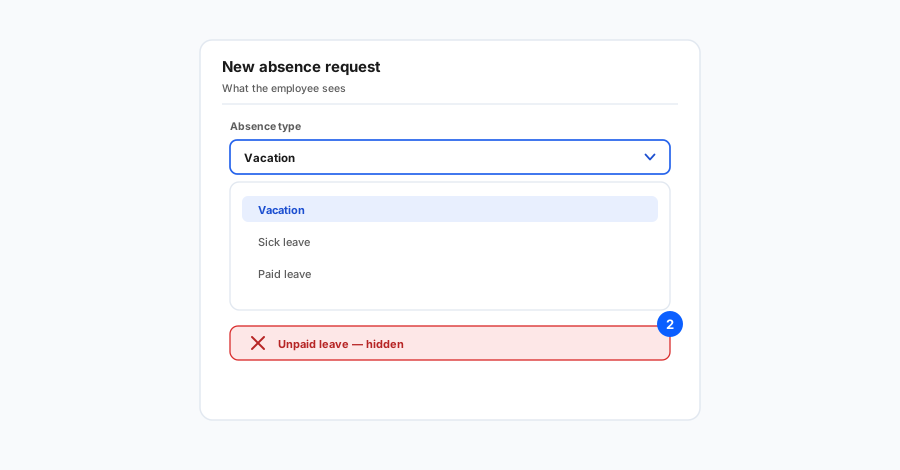
When someone opens the screen to request time off, the list of absence types is filtered for the person who is logged in, not for someone else they might be helping as an admin. That keeps the choices relevant and easier to understand.
Existing absence types stay available to everyone until you change them. Nothing is removed from historical data.