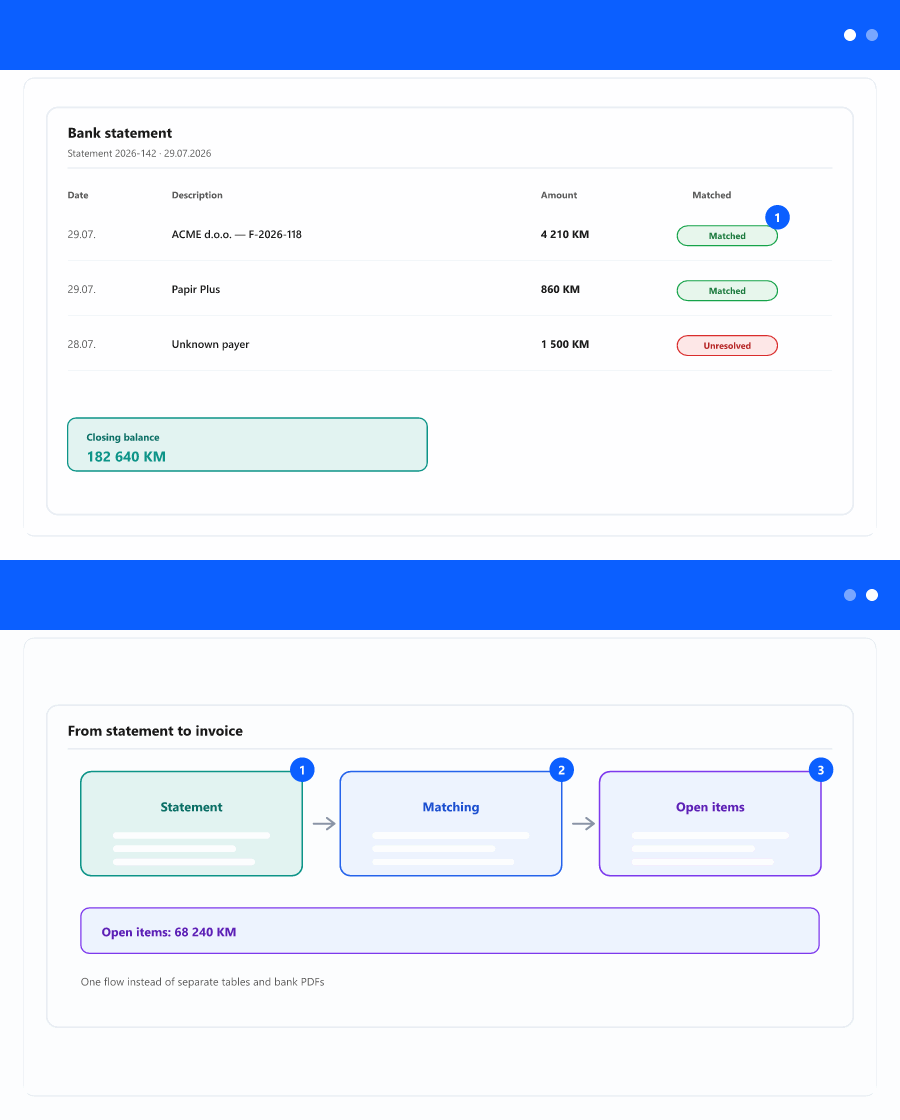
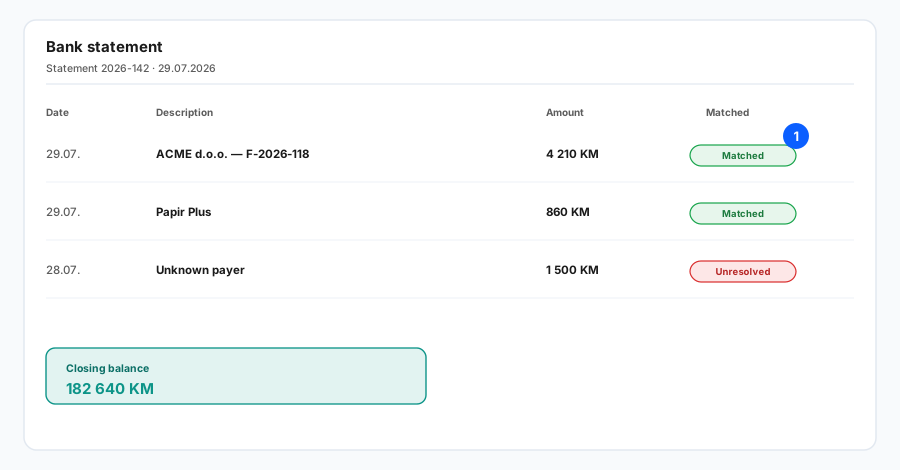
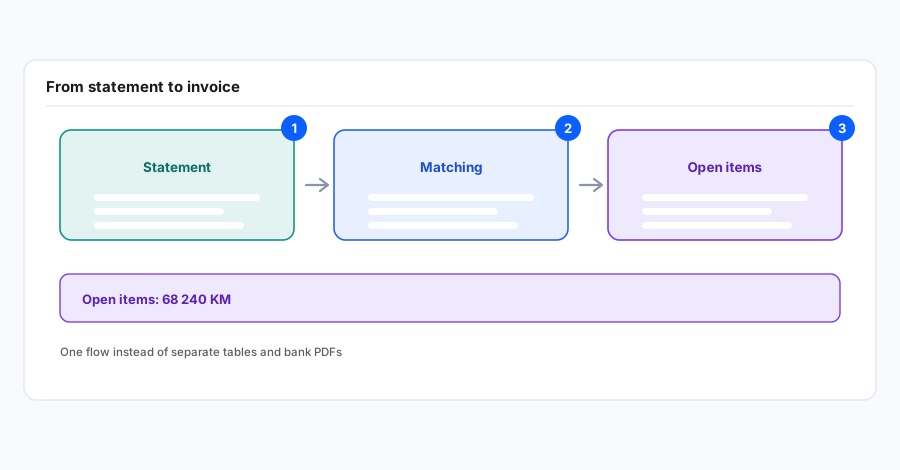
This is built for teams that want less manual retyping and faster insight—finance, sales, and leadership see the same picture: which inflows landed, which do not tie to an invoice yet, and where action is needed.
What you gain in practice
- Time saved hunting through statements and reconciling with the ledger—key data lives in the app, not scattered across mail.
- One view of cash and unresolved lines—fewer surprises at day-end or period close.
- Better control of sales and collection: inflows map to open client invoices; outflows map to expenses and supplier commitments—same logical flow.
- Fewer errors and quicker close—when documents and cash are linked, internal and audit conversations get easier.
This uses PDF statements from your bank and the CRM area of InSync 365; your organisation must grant the right permissions. Step-by-step screens, filters, and routes are covered in a separate instruction article.