Where you’ll see it
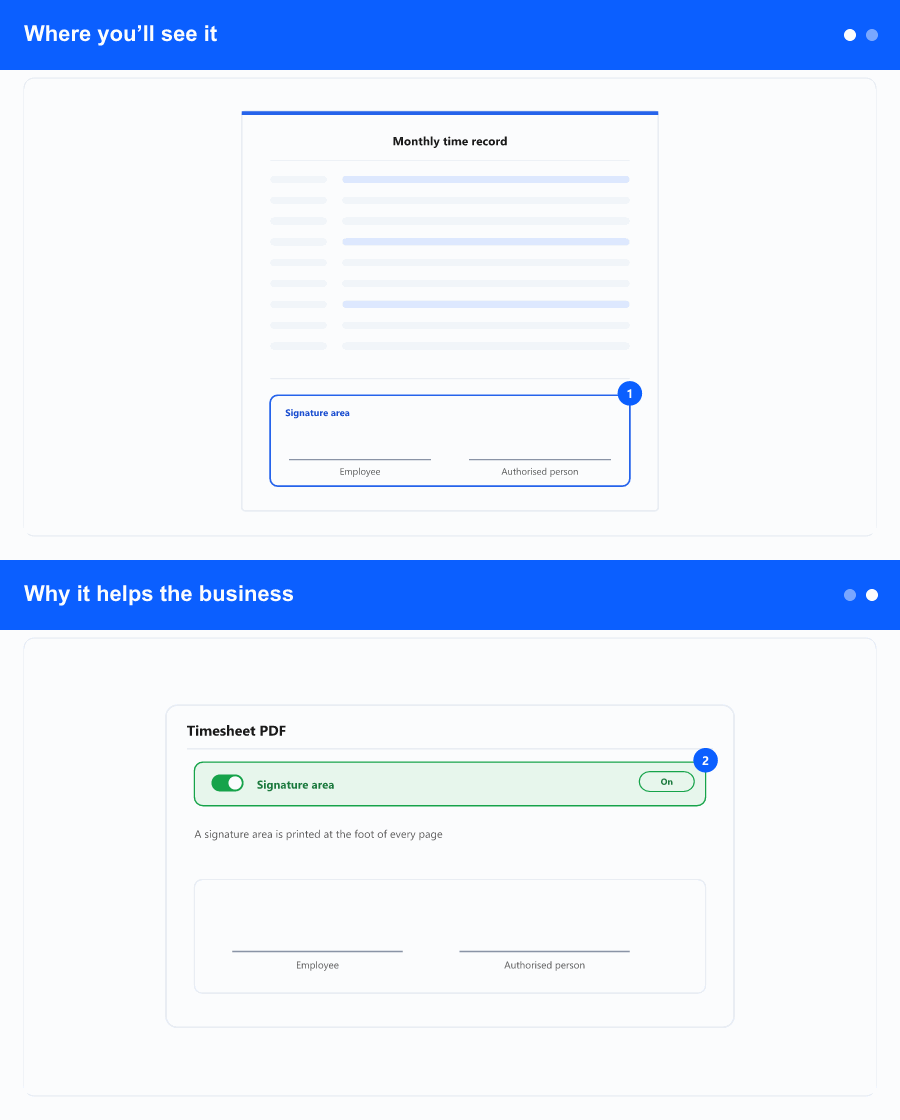
At the bottom of each employee’s page on the detailed timesheet PDF—both for a single employee and for a group of employees at once. Below the table, two signature lines appear side by side:
- Potpis radnika (employee’s signature) on the left.
- Potpis poslodavca (employer’s signature) on the right, with M.P. (place for the stamp) beneath it.
Why it helps the business
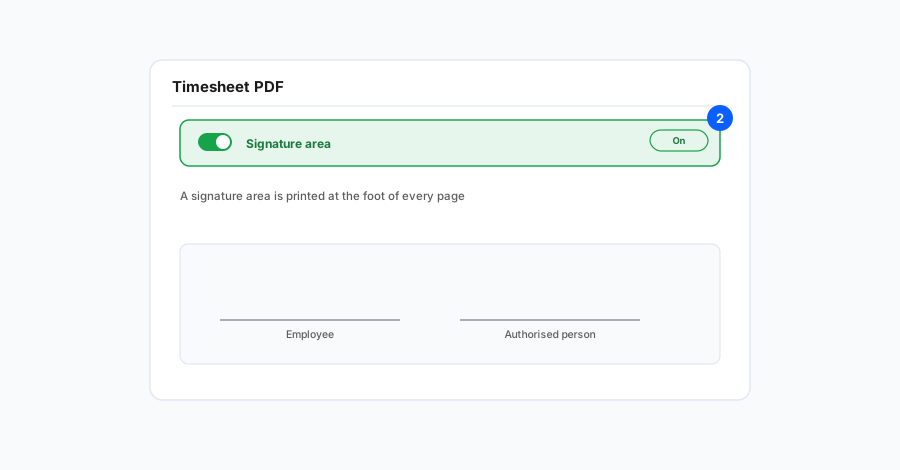
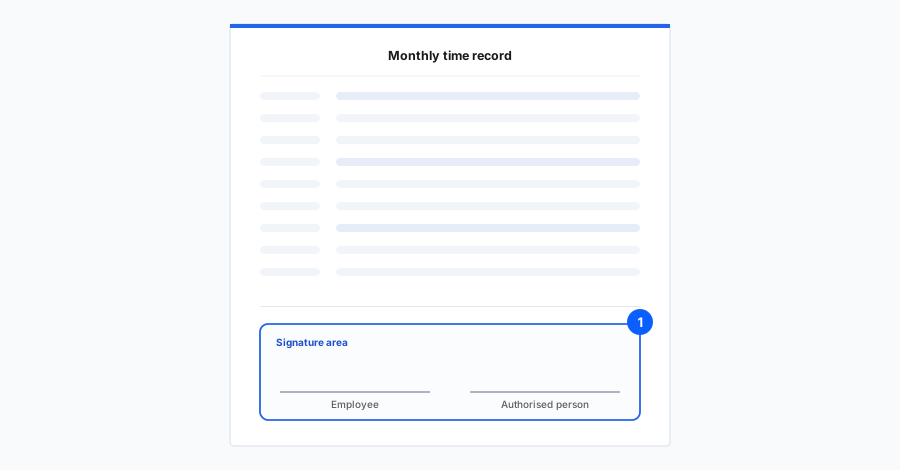
The work-time record is regularly printed and signed by the employee and the employer. Until now the document had no designated place for that, so people added lines by hand—inconsistent and time-consuming, especially across many employees. The built-in signature area makes every printout uniform and ready to sign, which is cleaner for records, archiving, and audits.
The signature area appears once per employee page and stays together when printed. The rest of the timesheet (company name, employee name, columns, hours) is unchanged.