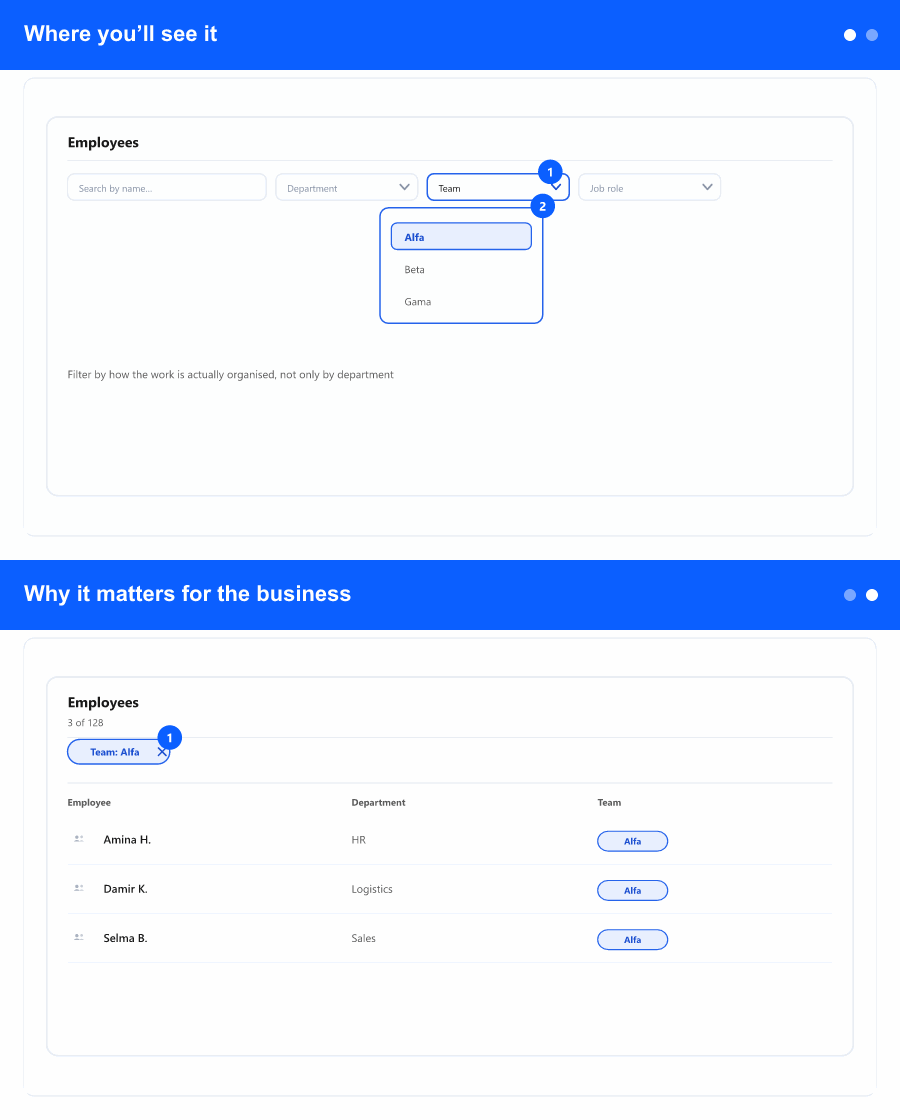
Where you’ll see it
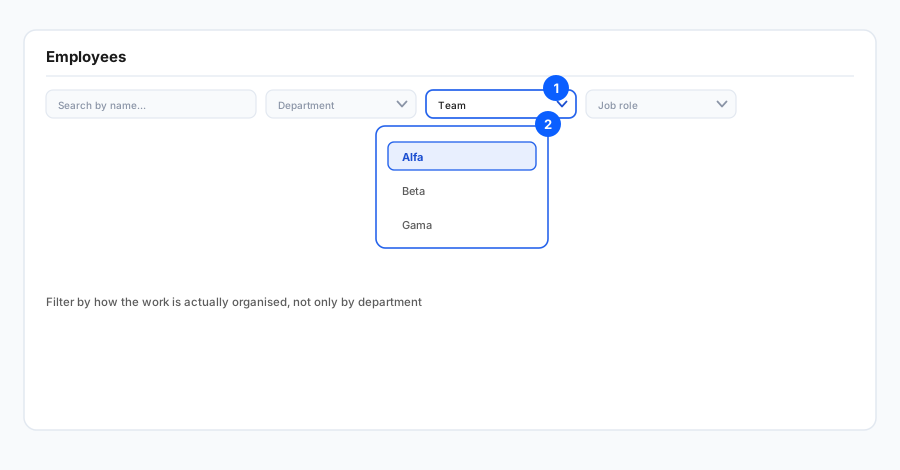
The change is on the Employees screen—the main company employee list where you browse people, search, and use the same header filters as today. It is the place you already use to review staff at company level before opening someone’s profile.
Expand Show more filters. Among the extra criteria (alongside department, office, and similar fields) you can now choose Teams: pick one or several teams, use search inside the dropdown, and use select-all where the product offers it. Apply your choice and run the search like you already do for other filters so the list only shows people who match.
Why it matters for the business
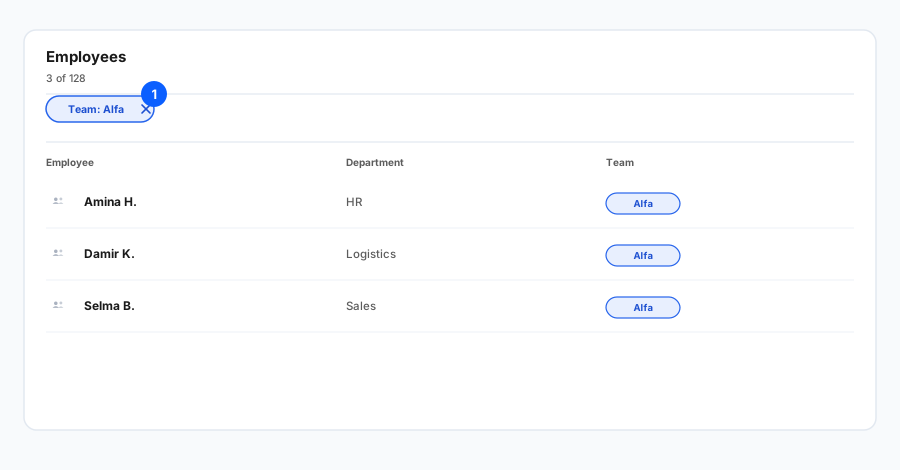
Many organisations plan, communicate, and approve work by team (squads, project groups, shift pools). Without a team filter, admins and managers either scroll through everyone or export and slice data elsewhere—slower, and easier to include the wrong people when you use mass actions or prepare a targeted change.
Filtering by team keeps the view aligned with accountability: a team lead sees “their” population; HR business partners focus on the units they support; project or operations leads prepare updates for a defined group. That saves time, reduces noise, and lowers the risk of acting on staff outside the intended scope.