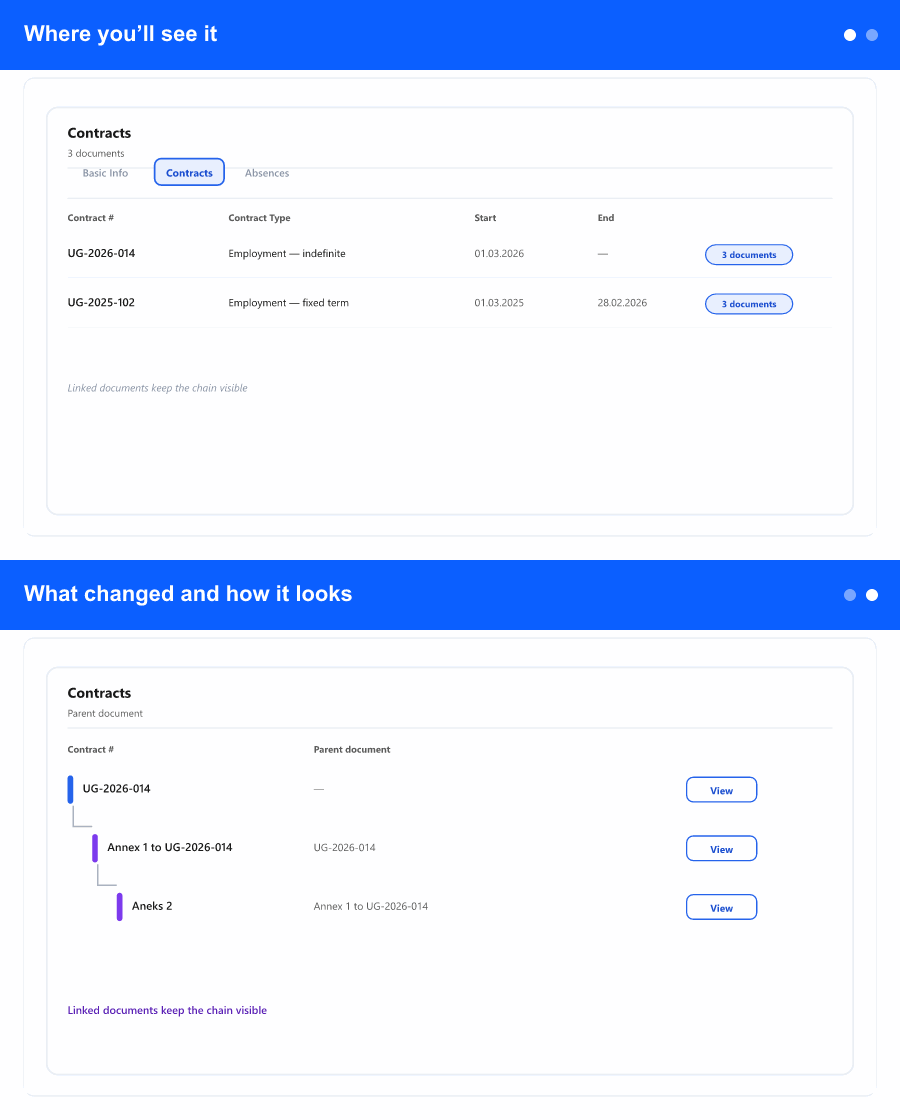
Where you’ll see it
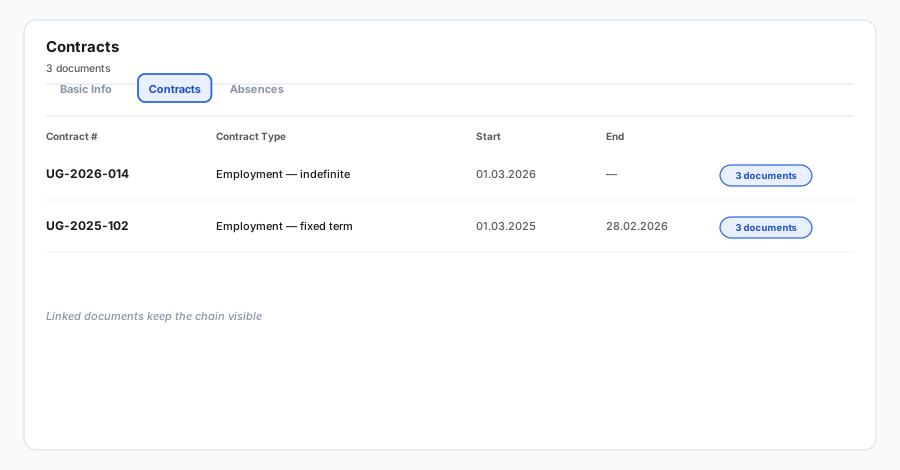
The change is on an employee's profile, under the Contracts tab—the list of contracts and generated documents you already open when reviewing someone's paperwork. You reach it the same way as before: open the employee, then switch to the Contracts tab.
What changed and how it looks
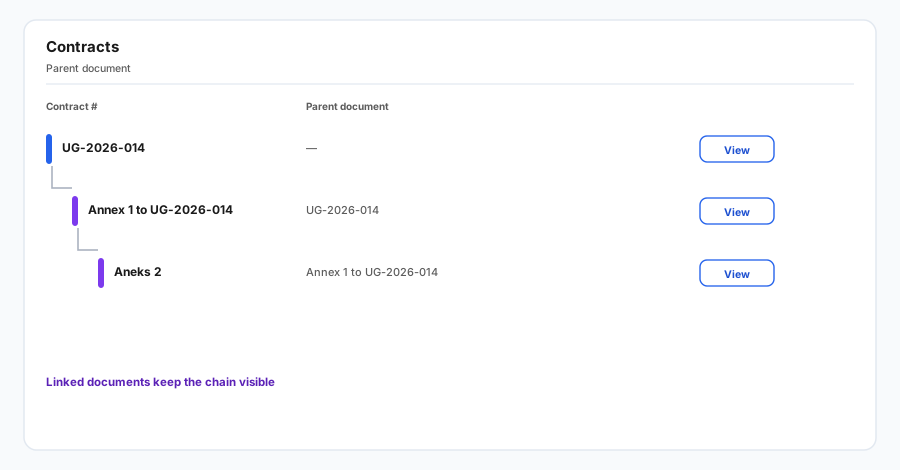
At the top, a compact employee header shows the person's name, their role, and their employment period (from–to). When there is no end date, it simply reads "from" the start date—so you always know whose documents you are looking at and the timeframe that matters for contracts.
The list itself is tidier and easier to scan. You can sort by any column—document number, start date, end date, created date, or contract type—by clicking the column header (click again to reverse, once more to return to the default order). Each row keeps its familiar actions: preview the document, download (where a template is available), add a linked document (annex), edit, or delete. On phones and tablets the list switches to easy-to-read cards with the same actions.
Deleting is safer too: a clear confirmation names the exact document you are about to remove and reminds you the action can't be undone, so accidental deletions are far less likely.
Why it matters for the business
People managing contracts often jump between employees and tabs. A consistent header means less second-guessing about whose record is open, and the visible employment period gives instant context for renewals, annexes, and end-of-term checks. Sortable columns and a cleaner layout make it faster to find the right document, and the clearer delete step reduces costly mistakes.