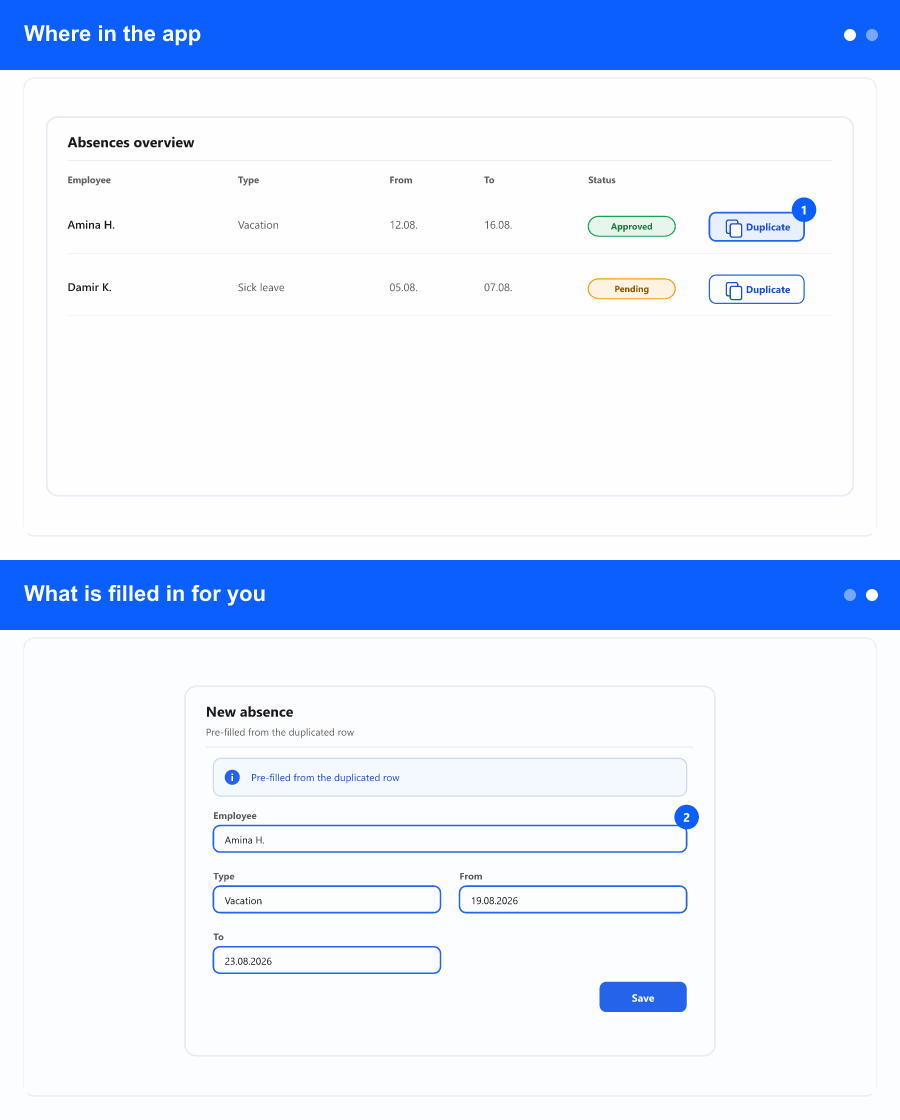
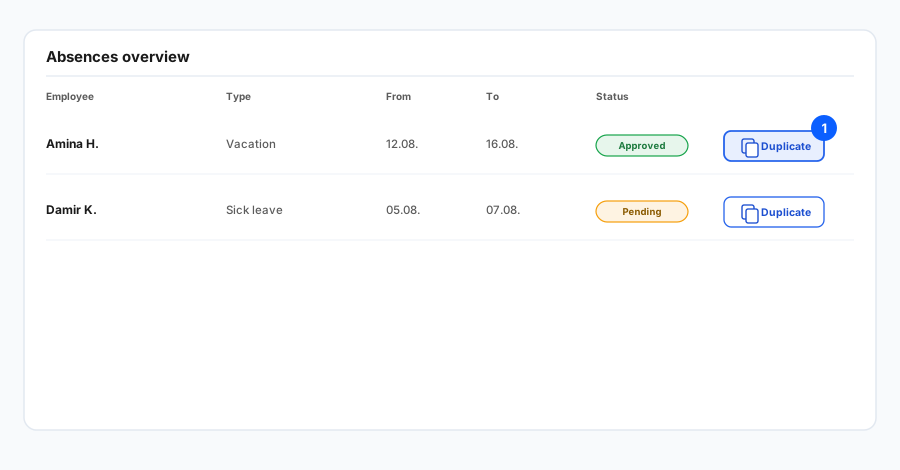
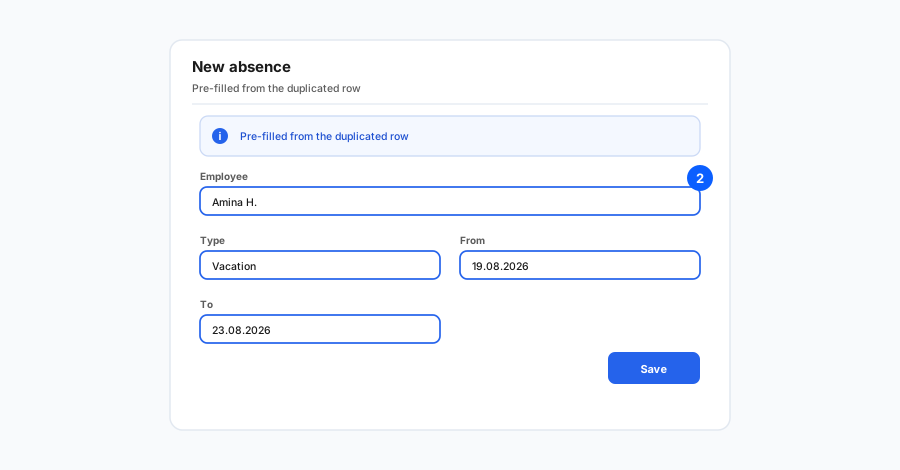
When you need a similar time-off request again—same type, same date pattern, or the same approver path for another period—retyping slows everyone down and invites mistakes. On the All Absences screen you can now duplicate an existing row: after a short confirmation, a form opens pre-filled like the source request, and you save it as a new absence.
Where in the app
That saves time when you process batches of alike absences, repeat patterns for the same employee, or keep new entries aligned with an already recorded or approved reference. It is also easier to explain to colleagues what you did, because the new record follows the same shape as the item you copied.
What is filled in for you
Open the feature from the main menu under All Absences (company-wide list of requests, subject to your permissions).