What changed
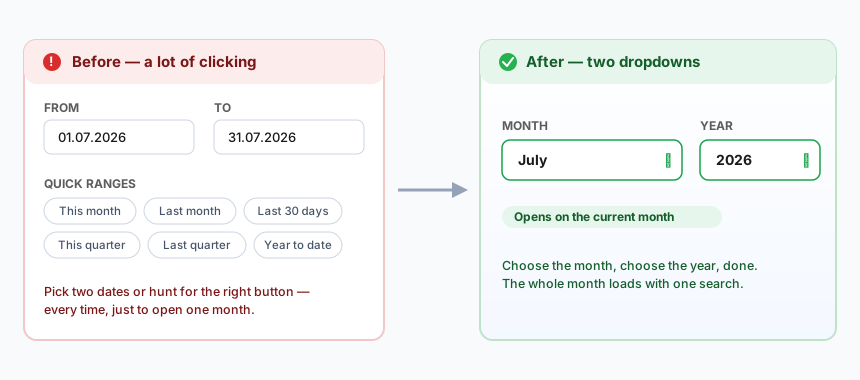
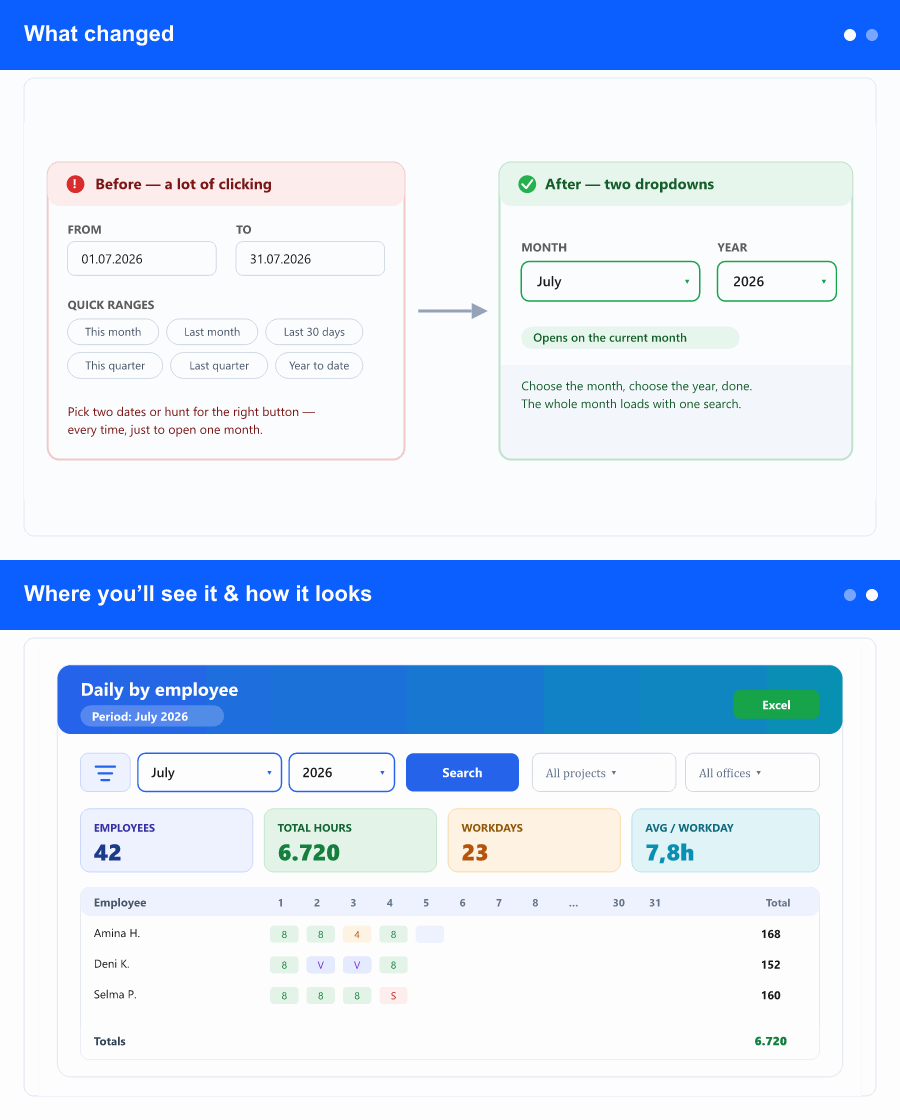
Choosing a period used to mean setting a From date and a To date, or hunting through six quick-range buttons (This month, Last month, Last 30 days, This quarter, Last quarter, Year to date). Since people open this report one month at a time, that was extra work for a choice you make the same way every time.
Now there are just two dropdowns: Month and Year. Pick the month and year you want and the report covers that full month—first to last day. The Year list offers the current year and the ten previous years, so past months are always one click away.
Where you’ll see it & how it looks
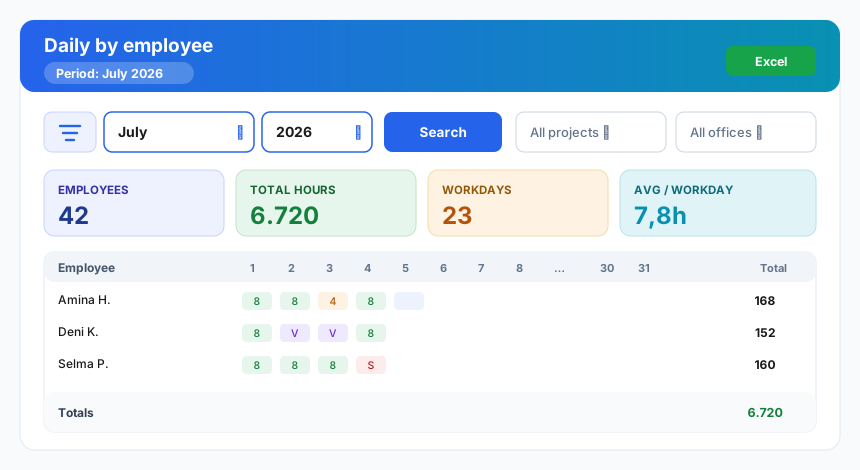
It’s on the Daily by employee report—the day-by-day hours grid you already use. When the report opens, the current month and year are selected for you and the data is loaded, so most of the time you don’t change anything at all. To look at a different month, change the dropdowns and press Search, exactly like the other filters. Reset brings you back to the current month. The period now shows as a clean month label—“July 2026”—in the page header, the active-filter chip, and the Excel export.
Why it helps
It removes a small, daily friction: no more setting two dates or scanning a row of buttons just to see the current month. Opening the report already shows the month you almost certainly wanted, and switching months is two quick picks. Records and exports are labelled by month, which is exactly how these reports are filed, checked and discussed.