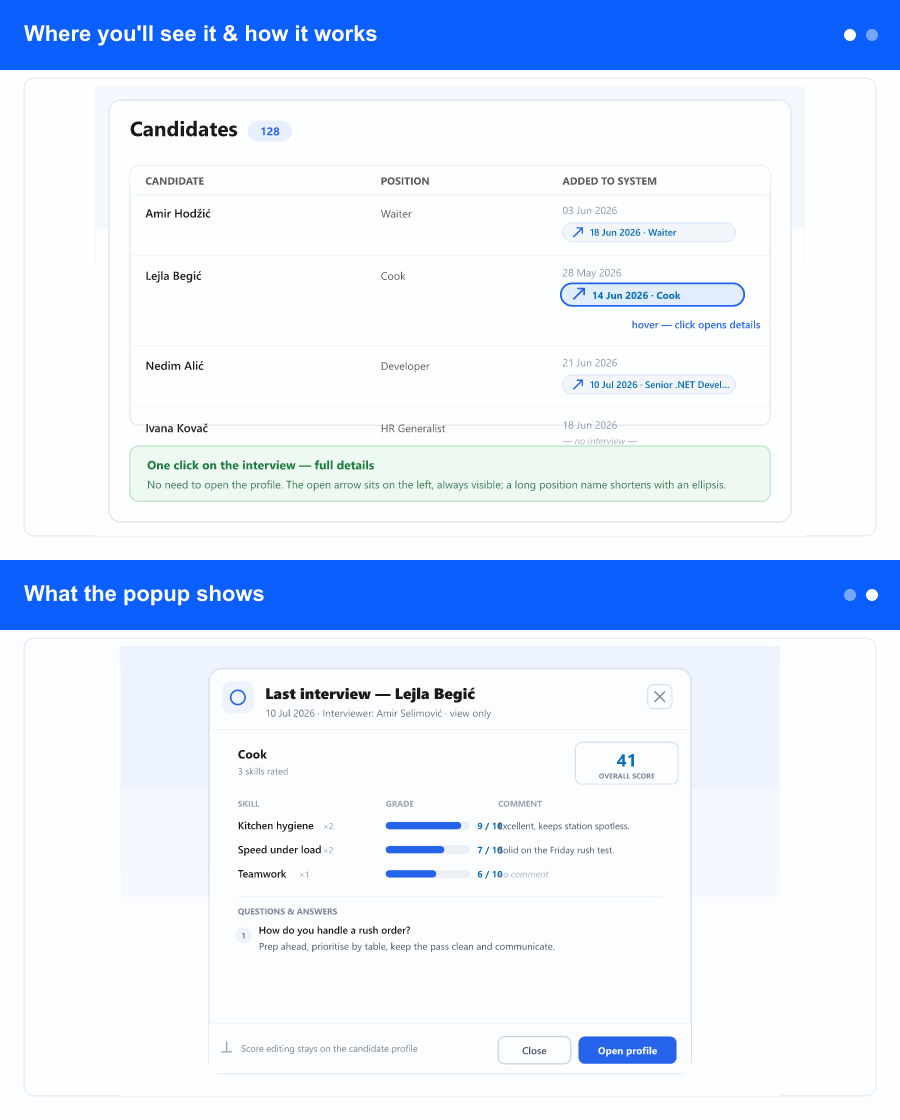
Where you'll see it & how it works
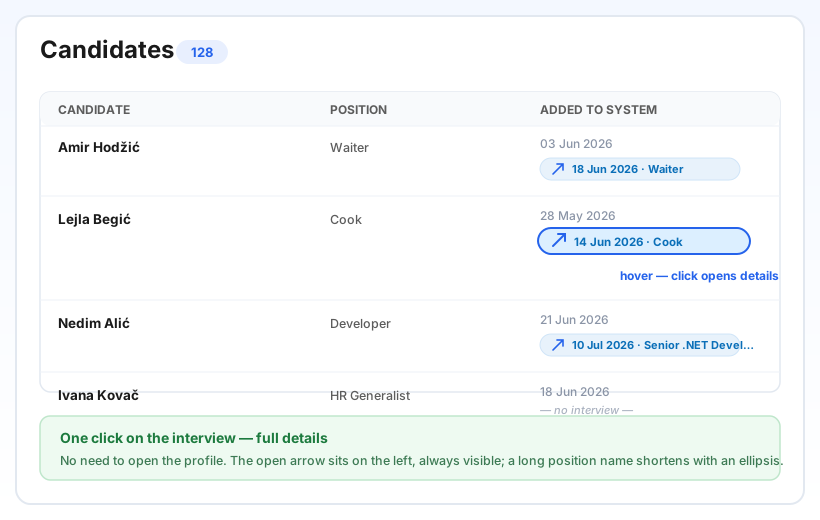
On the Candidates screen (in the ATS area), the small last-interview line that already showed the date and position is now clickable. Hover it and it lifts into a pill; click it and the interview opens right there. A small open arrow sits on the left and stays visible even when the position name is long—the name simply shortens with an “…” so the button never disappears.
Candidates who have never been interviewed show a calm “no interview” note and aren't clickable, so nothing changes for them. It works the same on desktop and on the phone card list; on a phone the details slide up as a bottom sheet.
What the popup shows
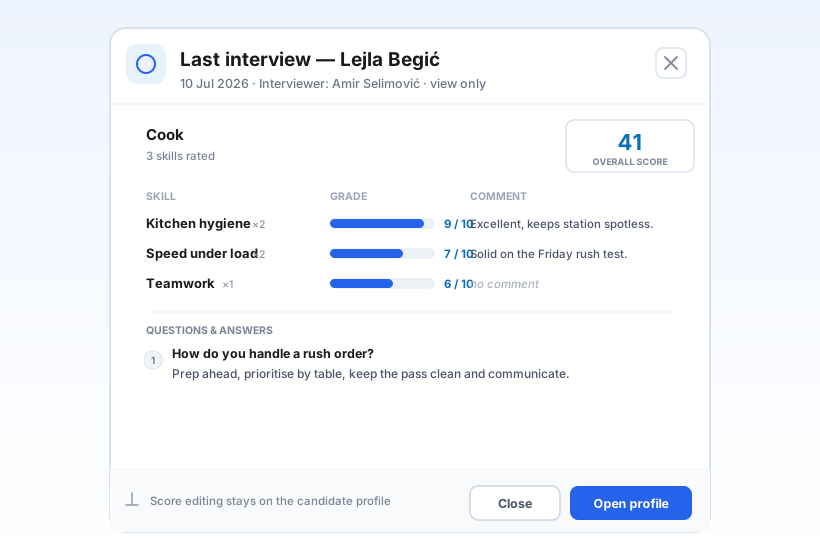
The popup shows the candidate's most recent interview exactly as it looks on the profile: the position, the date, who ran it, the overall score, every skill with its grade and comment, and the answers recorded to the interview questions. It's read-only—nothing can be changed here—so you can share your screen or glance mid-call without any risk of editing.
Need the full picture or want to change a score? The Open candidate profile button takes you straight to the candidate, where interviewing and scoring live as before. Dates and labels follow your own language and local time.
Why it helps
Recruiters check the last interview constantly—before a call, before a shortlist meeting, before moving someone forward. Until now that meant opening each profile and scrolling. One click on the list now answers “how did this person do?” in a second, so you keep your place in the list and move through candidates far faster.