Live monitoring of sign-ins
Added
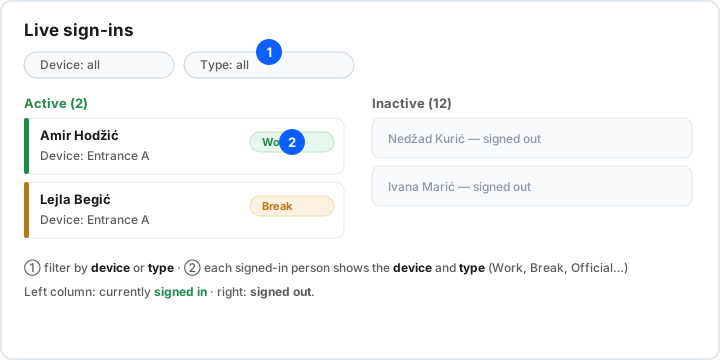
At any moment you can see who is currently signed in, on which device and under which type (work, break, official leave…).
Open the Kiosk dashboard
In the left menu open Reports → Kiosk dashboard. The view refreshes and shows the current state across all your devices.
- Open Reports → Kiosk dashboard.
- The left column lists the currently signed-in employees; for each you see the device and the type (Work, Break, Official, Private…).
- If needed, filter by device or type to narrow the view.
Alongside the live view there are also warnings (e.g. an employee signed in too long) and administrator actions — for example manually closing a session.